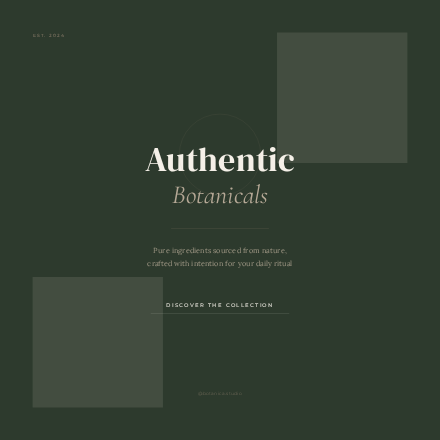
Write a line. Get a design.
Describe the post and Modo builds it — template, copy, palette, fonts, layout, background. Fully editable the moment it lands on the canvas.
Start from a template or a one-line brief. Adjust type, color and layout like a designer would. Export for Instagram and Pinterest.
FREE · NO CARD · 5 AI BRIEFS A MONTH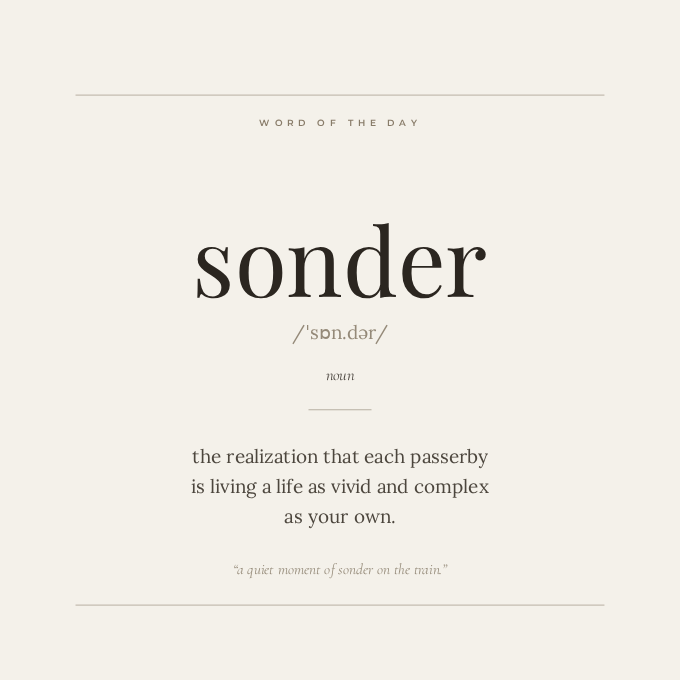
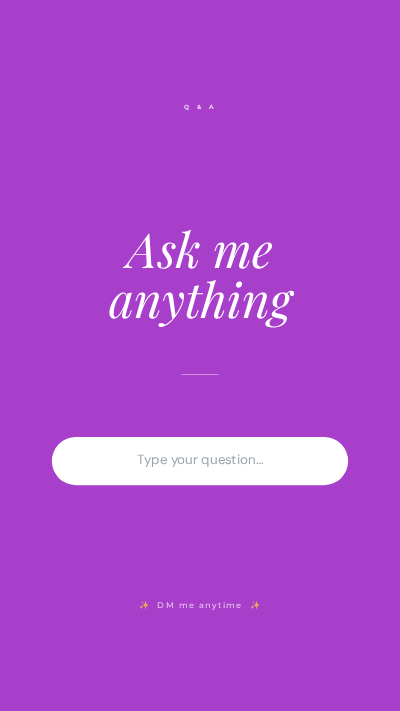
Instagram post, story or Pinterest pin. Start from one of 52 templates or a blank page.
Describe the post and AI drafts it, or adjust every layer yourself: type, color, overlays.
PNG or JPG at the exact size each platform expects. Your projects stay saved for later.
Describe the post and Modo builds it — template, copy, palette, fonts, layout, background. Fully editable the moment it lands on the canvas.
Wellness, Promo, Story, Pinterest, Podcast, Event, Business, Fashion, Food, Fitness, Travel, Tech, Wedding, Real Estate and more. Search them, preview them, duplicate them, make them yours.
Instagram Posts (1080×1080), Instagram Stories (1080×1920), Pinterest (1000×1500) — pre-sized and ready. No manual math, no cropping surprises.
See every size →28 curated fonts plus full controls: size, color, alignment, letter spacing, line height, bold, italic, underline, uppercase and text shadow. Your words, your style.
Resize, rotate, crop, flip, adjust opacity, add border radius and shadow. Uploads land in your account, so the same image is there on your laptop and your desktop.
Rectangles, ellipses, triangles and lines with full fill and stroke control. Stickers and decorative graphics, drag-and-drop. Gradients, light leaks, grain, blur and noise for that editorial finish.
Lock, hide, duplicate, reorder — full layer management. Unlimited undo and redo, so you can experiment without fear.
Your projects and uploads live in your account and follow you to any browser you sign in from. Nothing to export, nothing to email yourself. And if your connection drops mid-edit, Modo keeps working and syncs the moment you're back.
PNG or JPEG with quality control and transparent background support — clean output on every plan, including Free. You can also export the project file itself (.modo) to keep a backup or hand it to someone else.
CANCEL ANY TIME · BILLED THROUGH PADDLE
Yes. Modo saves your projects and uploads to your account so they're on every device you sign in from. Signing up takes an email, a password and one click on the confirmation link we send you.
No. It's free forever — unlimited projects, watermark-free exports, and 5 AI briefs every month. You only upgrade if you need more AI or more storage.
You write a short brief. Modo picks the template that best fits it, then generates the text for every slot, the color palette, the font pairing, the sizing and the background treatment. Everything it produces is a normal editable layer — you can change any part of it.
No. Exports are clean on every plan.
PNG and JPEG, with quality, resolution and transparent-background options — plus the .modo project file if you want a backup or want to hand the file to someone.
Only the images you upload. Projects themselves don't count against it. Free gives you 250 MB, Pro 1 GB, and there's a storage meter in the app so you always know where you stand.
Yes — Modo installs as an app from your browser, on desktop and on mobile. And if your connection drops while you're working, the editor keeps going and syncs your changes when you're back online.
Pro is $10/month, billed through Paddle. Cancel any time from your account — you keep Pro until the end of the period you've paid for.
The editor is built for desktop browsers. It runs on mobile, but the experience is designed for a larger canvas.
Chrome, Edge, Firefox and Safari.